
You paste a freshly copied emoji into your app. On your machine it looks perfect. Then a support ticket arrives: one of your users is staring at a plain box. Your code is fine. The character is valid. The problem is something older and more structural than a bug. It is the gap between when Unicode officially defines a character and when the real world actually catches up to that definition.
Unicode versioning is the invisible force behind every emoji rendering failure you have ever debugged.
- A character introduced in Unicode 15.0 will show as a box on any system whose font coverage stops at an earlier version.
- Platform vendors like Apple, Google, and Microsoft ship emoji support on their own timelines, often trailing the official Unicode release by months or years.
- Checking which Unicode version an emoji belongs to before you commit it to production lets you catch compatibility gaps before your users report them.
What a Unicode Version Number Actually Means
Unicode is not a fixed list. It is a living standard, maintained and published by the Unicode Consortium on a roughly annual release cycle. Each new version expands the official catalogue of code points. Unicode 1.0 launched in 1991 with around 7,000 characters. By Unicode 15.1, published in September 2023, the standard covers more than 149,000 characters across writing systems, symbols, punctuation, and emoji. The complete version history and technical specifications are publicly available for every release going back to the beginning.
Every character in that growing catalogue belongs to exactly one version. That version is the moment the character officially entered the standard. Before that version, the character did not exist in Unicode at all. After it, the character exists in the specification but may not yet exist on any screen your users actually own.
For most character types, this gap goes unnoticed. When a new currency symbol lands in Unicode, ordinary users rarely try to type it the next day. Emoji are different. People see a new face or object announced, they want it immediately, and the gap between the spec and the device becomes a very visible problem very fast.
How New Emoji Get Assigned to a Release
The path from an emoji idea to an official Unicode character is slower than most people expect. The Unicode Consortium accepts proposals from anyone. The Emoji Subcommittee reviews each submission against a set of criteria: expected usage volume, whether the concept overlaps with an existing character, whether it has cross-cultural relevance, and whether it lends itself to a clear, unambiguous visual representation.
Proposals that make it through review get assigned a code point and placed in an upcoming Unicode version. From that moment, the emoji is technically real. It has a name, a code point, and a reference for what it should look like. What it does not have is any guarantee that any device will render it. That part is up to platform vendors, and they are not on the Unicode Consortium's schedule.
Why Devices Fall Behind the Standard
The lag between a Unicode release and actual device support is not a failure in the process. It is simply how the production pipeline works, and understanding it is the key to predicting where rendering failures will occur.
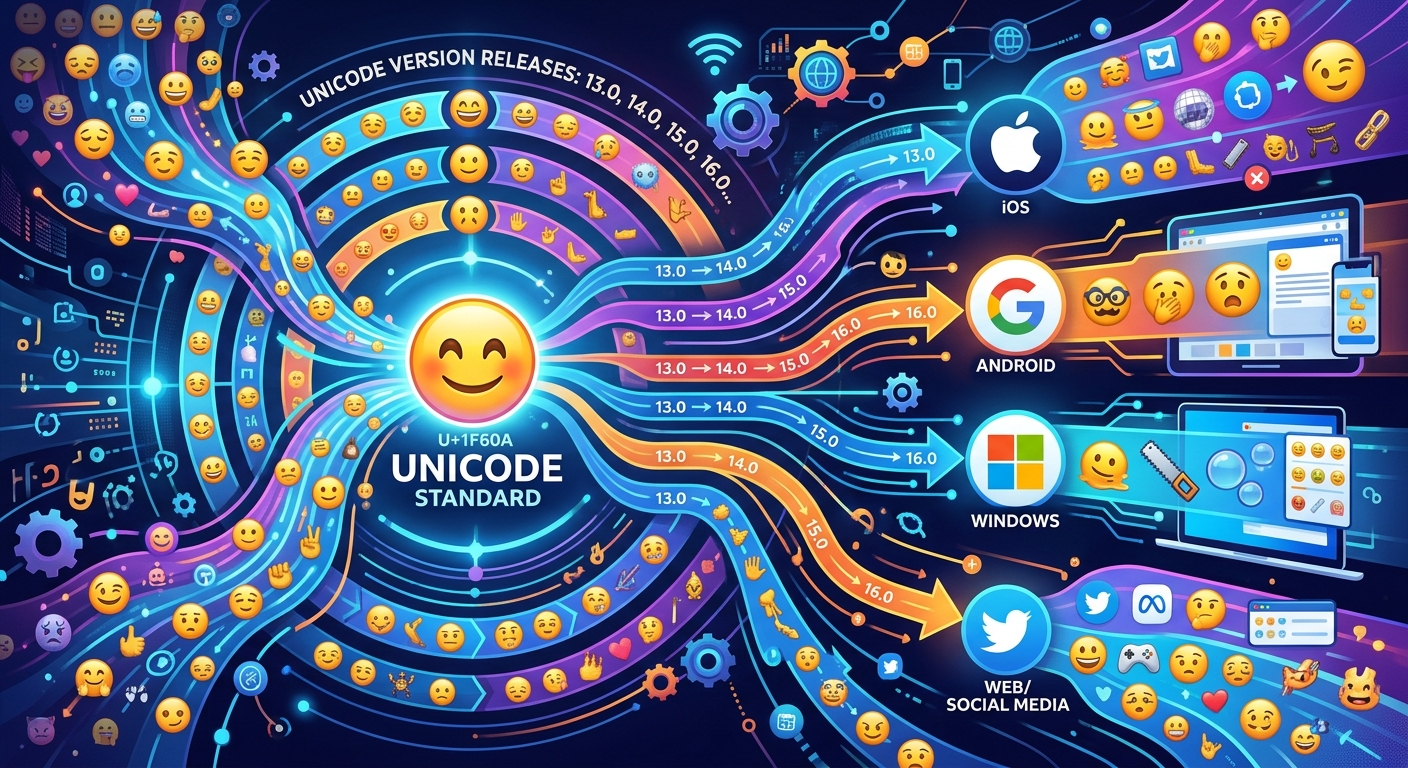
After the Consortium publishes a new version, every major platform has to go through its own internal workflow. Apple has to design artwork for each new character in its own visual style. Google has to do the same for Android. Microsoft produces another interpretation for Windows. Samsung designs yet another set for Galaxy devices. Each team finalizes artwork, tests across screen sizes and contexts, bundles the update into an OS release, and then waits for users to install it.
That full chain can take anywhere from a few months to well over a year. During that window, a character exists in the Unicode standard but anyone using it on an unupdated device gets a box instead of an image. That is not a bug. It is the normal operating state of a distributed standard with many independent implementers.
The Box Has a Name
Font engineers call it "tofu." The term fits: it is blank, structureless filler standing in for something the system cannot recognize or draw. The box appears because rendering engines do not crash on unknown code points. They fall back gracefully to a placeholder that signals the character's presence without being able to display it. That fallback is intentional and correct from a software standpoint. From a user's standpoint, it is a broken experience.
The appearance of the box varies by platform. Some systems show a plain empty rectangle. Others render the hexadecimal code point value inside the box, which is useful for debugging but still unreadable to most users. Regardless of which variation appears, the cause is the same: the device's font does not include a glyph for that code point.
The fix is never in the code. It is in the version gap. And the version gap is something you can check before you ship.
Checking Compatibility Before Committing a Character to Production
Building a pre-ship compatibility check into your emoji workflow takes a few minutes and prevents a category of support tickets that are genuinely confusing to debug after the fact. The core of the process is version identification followed by platform timeline mapping.
- Look up the Unicode version of every emoji you plan to use. A lookup by emoji by version lets you trace any character back to the exact release it belongs to, which gives you your baseline compatibility anchor.
- Check your audience's OS distribution using your analytics data. Find out what percentage of your users are on OS versions old enough to predate that emoji's font support rollout.
- Test on real older hardware, not just emulators. Emulators often pull the latest system fonts regardless of the OS version being simulated, which can mask rendering failures that will be real for users.
- Plan a fallback for high-risk characters. Options include text alternatives, image-based emoji rendered from a CDN, or simply swapping to an older emoji with equivalent meaning that has near-universal support.
This kind of audit is especially important for customer-facing content like marketing emails, push notifications, and UI copy. Those are the places where a box is most likely to damage trust or cause confusion.
Platform Timelines Are Not Uniform
One thing that catches developers off guard is that the lag between a Unicode release and real-world support is not the same across every platform. Different vendors move at different speeds, and the same Unicode version can be well-supported on iOS while still missing from a meaningful share of Android devices.
iOS and macOS have historically moved fast, often shipping Unicode-aligned emoji updates within a year of a new version. Android's rollout is more fragmented. Coverage depends on device manufacturers and carrier update policies, meaning the same nominal Android version can carry different emoji fonts depending on the hardware it runs on.
Windows has its own cadence, and because Windows updates follow different cycles than mobile platforms, the spread of older Windows versions in a typical user base can be surprisingly wide. Web contexts inherit OS fonts entirely, so browser support for any given emoji is entirely determined by whether the user's underlying system has received the relevant font update.
None of this is a reason to avoid newer emoji entirely. It is a reason to make informed decisions rather than treating every Unicode character as equally available.
Version Numbers as a Practical Compatibility Signal
The version number attached to any Unicode character is not administrative metadata. It is a timestamp with real operational consequences. It tells you precisely when a character entered the standard, and from that point you can reason backward to platform support windows and forward to the realistic availability timeline for your specific audience.
Designers who internalize this logic stop treating emoji as simple copy-paste decisions and start treating them as technical dependencies, much like package versions or browser APIs. An emoji from Unicode 15.0 carries the same kind of risk as a CSS feature from a recent browser version. It works beautifully for users who are current. It fails silently for users who are not.
The developers and designers who catch this before shipping are the ones who take five minutes to check the version data before a character makes it into a commit. The ones who find out after shipping are the ones reading a confused user report from someone who expected an emoji and got a box instead.
Making version awareness a standard part of your emoji workflow is a small process change. Its consequences are not small at all. It is the difference between shipping something that works for your whole audience and shipping something that quietly fails for the portion least likely to be running the latest update.